You finish a strong video, turn its main idea into a LinkedIn draft, and watch it disappear beneath the “see more” fold. The insight was useful. The experience was real. Yet the post still feels easy to skip.
The problem usually isn't the idea. It's the opening line, the layout, the closing question, or the publishing rhythm around it. LinkedIn is a professional distribution channel with readers across industries and seniority levels. In November 2015, LinkedIn reported that more than 1 million members had published at least one post, with publishers producing over 130,000 posts per week. About 45% of readers held senior positions, and the average post reached professionals across 21 industries and 9 countries. LinkedIn's publishing milestone still points to the practical challenge: useful, specific ideas need a clear professional angle to travel.
The ten best practices below turn one video idea into a stronger LinkedIn post, a native document, a conversation starter, or a week of platform-native content. Each practice includes a copy-ready micro-template and a realistic example for a solo creator.
1. Write a Specific, Earned Hook in the First Two Lines
The first two lines have one job: earn the reader's attention before LinkedIn hides the rest behind “see more.” A vague opening such as “I've been thinking about content strategy” gives people no reason to continue. A specific admission, result, mistake, or tension creates a clear reason to pause.
For video repurposing, start with the most surprising sentence from the recording. Don't automatically use the first sentence you said on camera. The strongest LinkedIn opener may appear halfway through the video, when you explain what failed or reveal the conclusion you didn't expect.
Micro-template:
I thought [common assumption].
Then [specific experience] changed how I [relevant action].
A creator who recorded a tutorial about audience growth might open with: “I stopped trying to post every idea. My content became easier to make, and my audience finally understood what I was known for.” The rest of the post can explain the decision, the trade-off, and the system that replaced constant experimentation.
Keep the opening compact enough to stand alone on a phone. Don't force a dramatic claim you can't support. “This changed everything” sounds like generic promotion, while “I removed three content formats from my weekly plan” gives the reader a concrete situation.
Test the angle, not just the wording
Draft two or three hooks from the same video:
- Contrarian: “More content wasn't solving my distribution problem.”
- Vulnerable: “I had plenty of ideas and still kept missing my posting days.”
- Practical: “One video can produce four LinkedIn angles without repeating the same caption.”
Choose the version that sounds like something you'd say. A strong hook should create curiosity without misrepresenting the lesson that follows.
2. Format for Skimming with Short Lines and White Space
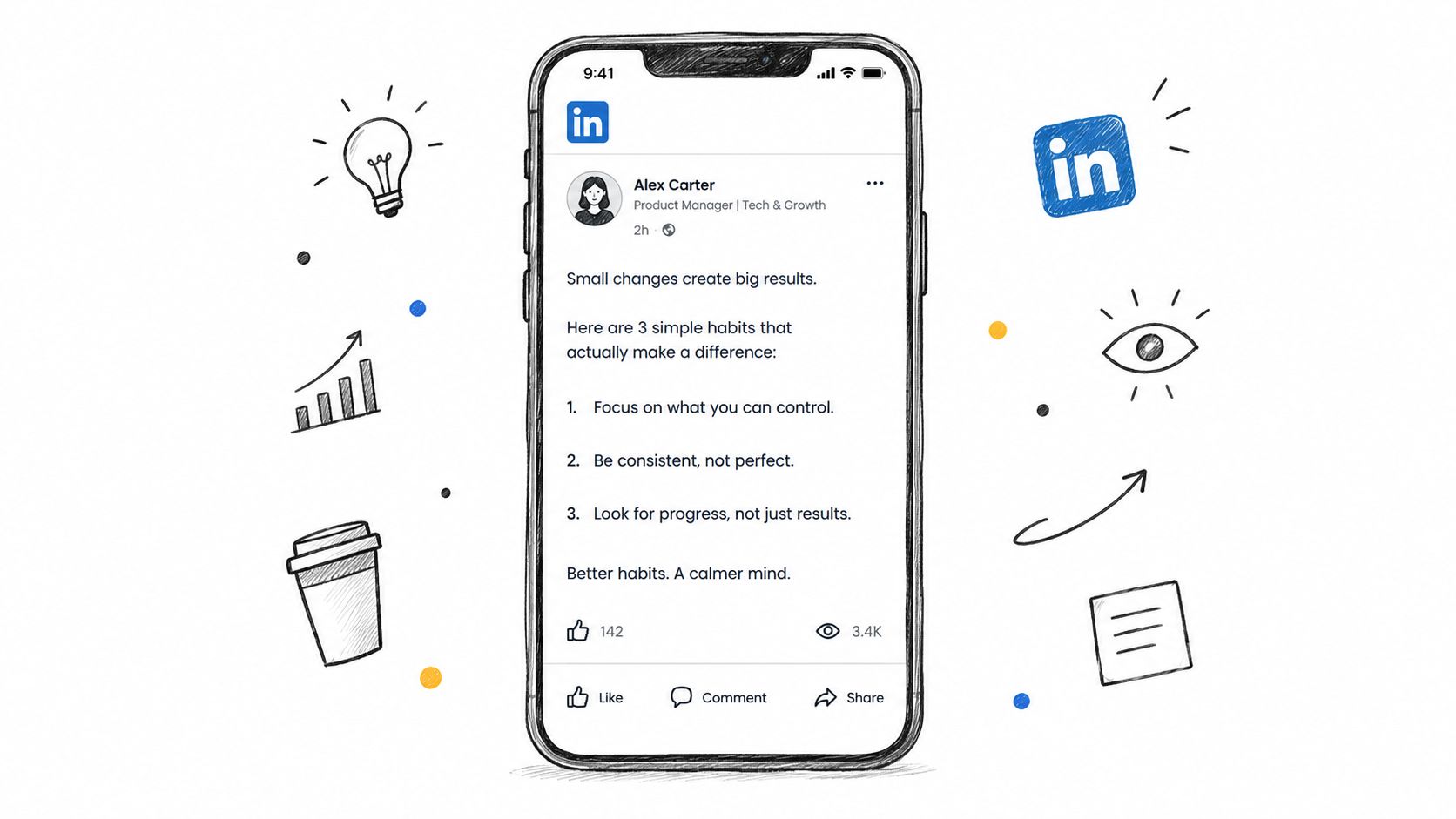
A strong idea can still fail when it arrives as one dense block. LinkedIn readers often encounter posts between meetings, on a phone, or while scanning several competing updates. Short paragraphs and deliberate spacing make the argument easier to enter and easier to finish.
Convert one long video explanation into a sequence of small units. A ten-minute tutorial might become five numbered lessons, with each lesson containing one claim and one practical example. A founder story might use one-sentence paragraphs to move from the problem to the decision, then to the result and the lesson.
Micro-template:
I used to [old approach].It created [specific problem].
So I changed three things:
- [Action]
- [Action]
- [Action]
The lesson: [plain conclusion].
Edit for the phone screen
Read the finished draft on your phone before publishing. Look for paragraphs that require more than one glance. If a sentence doesn't earn its line, cut it or combine it with the sentence before it.
Use a list when the content is list-shaped. Don't break every post into artificial numbered points because lists look tidy. A personal story may work better as short chronological paragraphs, while a tutorial benefits from steps.
A solo creator repurposing a video about client onboarding could write:
“Most onboarding problems don't start with the client.
They start with the promise.
If the sales call promises speed but the first week feels chaotic, the client experiences a gap before the work begins.
My fix was simple: I wrote the first-week experience before changing the delivery process.”
That format creates rhythm without adding empty filler.
3. Tell a First-Person Story with a Lesson
Professional readers don't need another abstract instruction to “be more consistent.” They need to understand what happened when someone tried a process, hit a problem, and changed the way they worked.
A first-person LinkedIn story earns attention through detail. Start with a concrete situation. Explain what surprised you or went wrong. Describe the decision you made. End with the lesson in plain language, not a motivational slogan.
Micro-template:
I [specific situation].The part I didn't expect was [surprise or problem].
I changed [specific action], which led to [observable outcome].
The lesson: [useful principle for the reader].
A solo creator could repurpose a video about losing a client like this:
“I lost a client after a project that looked successful on paper.
The work was delivered on time, but I'd made the approval process too complicated. The client had to answer questions across several documents and messages.
I replaced that workflow with one review page and one clear approval deadline.
The lesson wasn't ‘communicate more.’ It was to remove the decisions I was asking the client to make.”
Balance the story and the takeaway
A story without a lesson becomes a diary entry. A lesson without a story becomes generic advice. Keep the two in balance. Include the detail that makes the experience credible, but don't make the reader work through unnecessary background before reaching the point.
Video is useful here because spoken language often contains the moment of tension naturally. Look for phrases such as “I assumed,” “what surprised me,” “I was wrong,” or “the part that failed.” Those sentences often contain the beginning of a credible post.
4. Use Native Multi-Slide Documents and Polls
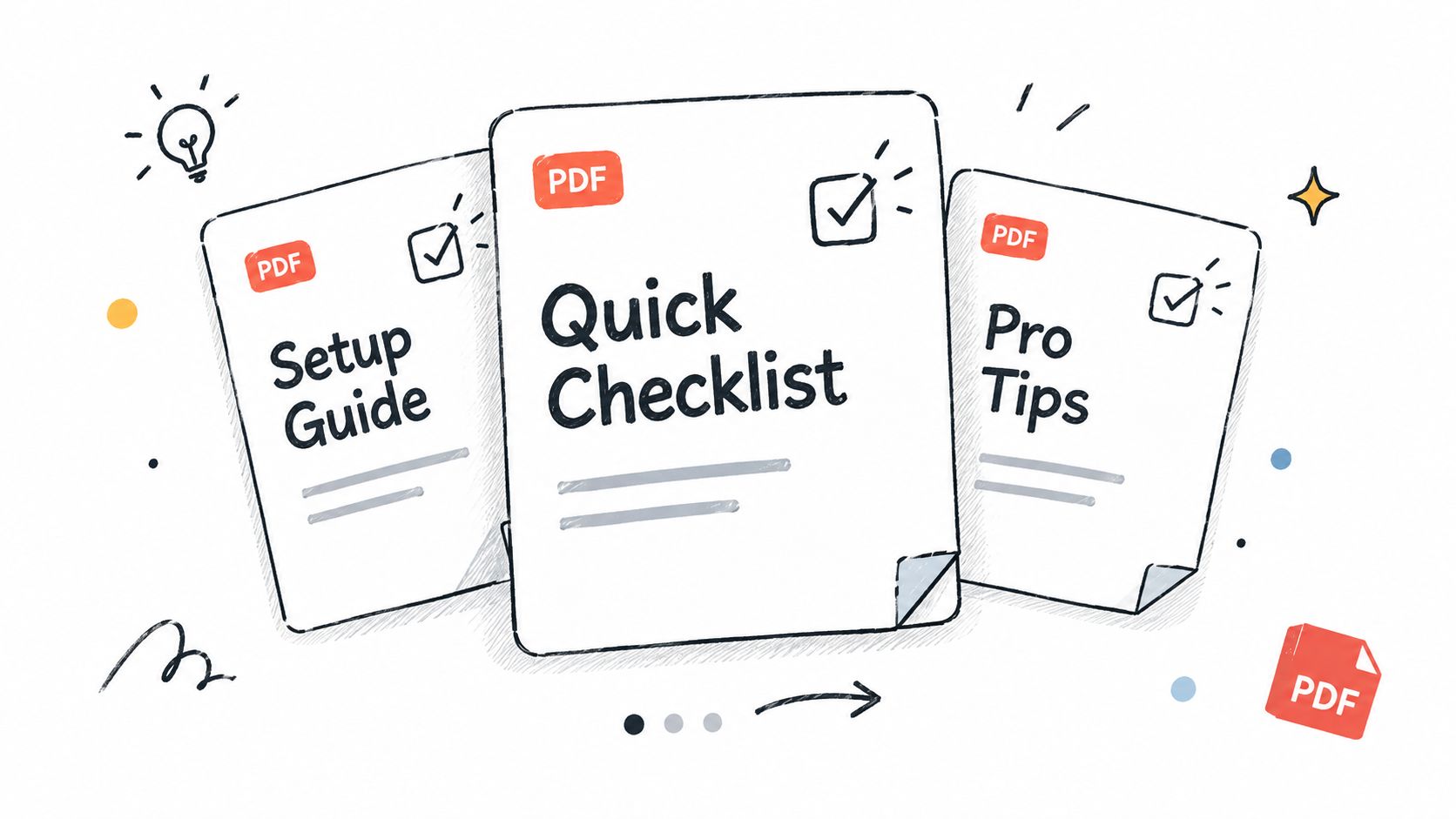
LinkedIn-native formats give the idea a shape beyond a caption. A document post can turn a video framework into a swipeable sequence. A poll can turn an observation into audience research. Both formats keep the main experience inside LinkedIn rather than asking the reader to leave immediately.
Large-scale benchmark reporting cited in the peer-reviewed LinkedIn engagement research found that native document or carousel posts generated 39% more reach and 30% more engagement than the average LinkedIn post in an analysis of more than 3 million personal-profile posts. The same source reported format benchmarks of 7.00% engagement for native documents, 6.45% for multi-image posts, 4.50% for text-only posts, and 3.25% for link posts in an analysis of 1.3 million business-page posts.
Treat those figures as directional benchmarks, not promises. The format still needs a useful idea.
Micro-template for a document:
Slide 1: [Clear promise or contrarian claim]
Slide 2: The problem
Slide 3: Step one
Slide 4: Step two
Slide 5: Step three
Slide 6: Example
Slide 7: [Question or next action]
A creator could turn a YouTube tutorial about publishing into a seven-slide checklist. The first slide might say, “One video can become a week of LinkedIn content.” The middle slides show the hook, story, document, question, and review process. The final slide asks which step takes the most time.
Match the format to the idea
Use a document when the reader benefits from progression, examples, or a framework. Use a poll when the answer itself will teach you something and you can follow up with analysis. Don't publish a poll with options you have no interest in exploring.
Keep each slide readable on mobile. Use a headline and a small amount of supporting text, then let the post caption provide context. A useful native document should stand on its own even if the reader never watches the source video.
A poll can extend the same idea: “Which part of repurposing slows you down most?” Options might include choosing the angle, writing the post, designing visuals, or scheduling distribution. The follow-up post can discuss the answer without pretending the poll proved more than it did.
5. Decide When an External Link Adds Value
Blanket rules about links are less useful than a decision framework. A link can work when the LinkedIn post already gives the reader a complete takeaway and the destination offers optional depth. It's weaker when the post functions only as a teaser that withholds the useful part.
Recent benchmark evidence cited by Britopian's LinkedIn report found that posts containing links received 4.9% more impressions and 13.57% more interactions than posts without links. That challenges the simple idea that every external link damages distribution. The destination, intent, and structure still matter.
Micro-template:
The short version: [complete insight].I explain the full process, including [specific depth], in [resource].
Use it if you're [relevant situation].
A solo creator repurposing a YouTube video could publish the three main lessons directly in the post, then add the full walkthrough as an optional destination. A product announcement can explain who the product is for, what problem it solves, and what the reader should consider before clicking.
Test traffic against conversation
Separate posts designed to start discussion from posts designed to drive qualified clicks. Track impressions, interactions, meaningful replies, and clicks as different outcomes. A post can generate strong conversation without producing many visits, or attract clicks without creating a useful public discussion.
Create two versions of the same video idea:
- Conversation-led: Give the full lesson and ask readers how they handle the problem.
- Resource-led: Give the full lesson, then offer the video or guide for readers who want implementation detail.
Don't hide the link because someone repeated an old algorithm claim. Test the placement and the quality of the destination with your own audience.
6. Engage in the First Hour After Publishing
Publishing isn't the end of the work. It starts the conversation. If someone leaves a thoughtful comment, a generic “Great point” wastes the opportunity. Add context, answer the question, or ask a relevant follow-up that keeps the thread useful.
A creator repurposing a video about a failed launch might receive a comment saying, “We had the same problem because our offer was too broad.” A useful reply could be: “That was my issue too. What did you narrow first, the audience or the promise?” The response turns agreement into a conversation and may reveal language for a future post.
Micro-template for replies:
That's the part many people miss.
We changed [specific detail] because [reason].
Did you see the same issue with [focused question]?
Schedule for participation
Don't publish when you know you'll be unavailable for the rest of the day. Schedule the post for a period when you can read replies and respond with substance. Keep a short note beside you with the source video's supporting details, examples, and unanswered questions.
Use comments as research:
- Repeated objections: Turn them into a clarification post.
- Unexpected use cases: Add them to a future document or video.
- Specific questions: Answer one in a follow-up post.
- Strong reader language: Reuse it when it accurately describes the problem.
A founder who responds to a skeptical comment with a clear explanation may discover that the disagreement is more valuable than the original caption. The comment section can become a second draft of the idea, written with the audience's questions in view.
7. Post Consistently from a Personal Profile on a Repeatable Schedule
Consistency doesn't mean publishing whatever you can finish at the last minute. It means creating a sustainable system that gives your audience a recognizable stream of useful ideas.
One reported benchmark states that companies posting at least once per week achieve roughly twice the engagement of companies posting less frequently, as summarized by Hootsuite's LinkedIn statistics. The benchmark supports regular publishing, but it doesn't prove that a fixed schedule causes the result. Your cadence still has to match your capacity and audience quality.
Micro-template for a weekly source plan:
One video becomes:Monday: [opinion or personal lesson]
Wednesday: [native document or checklist]
Friday: [specific question or poll]
A solo creator might record a video about improving client proposals, then extract a post about the mistake they made, a document showing the proposal structure, and a poll asking which section clients find hardest to review. Those posts share a source idea but serve different reading behaviors.
Start with two or three fixed publishing days. Batch drafts in one session, then keep a simple content log with the topic, format, impressions, engagement rate, comments per impression, profile visits, and qualified clicks. If scheduling is the part that causes the system to collapse, a social media scheduling workflow can keep drafting and publishing in one repeatable process.
Review results after enough posts to compare formats fairly. Don't abandon a useful topic because one caption underperformed, and don't treat a single strong post as proof that every future post should copy its structure.
8. Use Hashtags Sparingly and Choose Them Deliberately
Hashtags can help classify a post, but they shouldn't carry the strategy. A post about video repurposing still needs to say what the reader will learn, who the lesson is for, and why your experience makes the point credible.
Choose a small set of specific tags that match both the topic and the audience. A solo creator might use #ContentMarketing, #SoloFounder, and #VideoMarketing for a post about turning a tutorial into native LinkedIn content. A post about enterprise procurement shouldn't add broad creator tags just because they're popular.
Micro-template:
[Post body with natural topic language]#SpecificTopic #RelevantAudience #PracticalCategory
Keep the tags subordinate
Avoid stacking generic hashtags after a weak post. Tags won't repair an unclear hook, a dense layout, or a closing question that asks for nothing specific. Check whether the people you want to reach use or follow the tags before adding them.
A creator could repurpose a video about editing workflows and choose #VideoEditing, #ContentWorkflow, and #CreatorBusiness. The post itself should still include those ideas naturally in the copy, because a reader needs context, not just labels.
Hashtag features and platform behavior can change. Keep a short working list, review which tags fit your current topics, and remove tags that don't describe the post accurately. Relevance matters more than decoration.
9. End With a Specific Question or Clear Call to Action
A closing line should tell the reader what to do next. “Thoughts?” is easy to ignore because it gives no direction. A focused question connected to the post's lesson lowers the effort required to respond and gives you useful information.
Micro-template:
[Core lesson].Which part of [specific process] takes the most time for you?
A creator who posts about repurposing a video might end with: “Which step takes longest in your workflow, finding the angle, writing the post, or scheduling it?” That question can be answered in one phrase, while the answers reveal which future content would help.
A clear action can work just as well: “If you want the full checklist, comment with the part you're building and I'll point you to the relevant step.” Don't ask people to comment a random keyword unless there's a real reason for the exchange.
Use one next step
Choose one question or action, not three competing requests. A post that asks readers to comment, click, share, follow, download, and subscribe makes the reader decide what matters. Make the desired action obvious and proportionate to the value you've provided.
If you're adapting spoken content into captions or short written posts, the Instagram caption guidance can also help you think about the relationship between a concise message and a clear next step. The LinkedIn version should still sound professional and should connect directly to the post's argument.
End with a question you want answered. Readers can usually tell when a prompt was added only to manufacture engagement.
10. Sound Like a Specific Person, Not Generic AI Copy
LinkedIn readers recognize generic copy quickly. Stacked buzzwords, predictable sentence rhythms, and phrases such as “in today's fast-paced world” make a post sound interchangeable. A useful post should contain details that could only come from your work, your clients, or your point of view.
The best voice guide is often your own publishing history. Read five older posts aloud and note the phrases, sentence lengths, types of openings, and opinions that repeat naturally. Then edit new drafts until they sound like the same person, not like a different writer wearing your profile.
Micro-template:
I disagree with [common advice].In my work, the problem is usually [specific observation].
I now use [specific practice] because [reason].
A creator known for practical, skeptical advice might open a video-derived post with: “I don't think every video needs to become a carousel.” They can then explain when a document helps, when a text post is better, and why forcing every idea into the same format creates weaker content.
Add one unmistakable detail
Use the product name, client situation, production constraint, failed draft, or small decision that gives the post a personal fingerprint. Don't invent a dramatic result. A real detail such as “I wrote the first version in a notes app after a client call” can be more convincing than a polished claim.
AI can help extract themes and create variations, but you still need to remove stock language and restore your natural phrasing. Tone-of-voice guidelines can support that editing process, especially when you're turning one spoken video into posts for several networks.
The final test is simple: would a regular reader recognize the author before seeing the name? If not, add a sharper opinion, a concrete moment, or a sentence you'd say out loud.
10-Point LinkedIn Post Best-Practices Comparison
| Item | 🔄 Implementation Complexity | ⚡ Resource Requirements | 📊 Expected Outcomes | 💡 Ideal Use Cases | ⭐ Key Advantages |
|---|---|---|---|---|---|
| Write a Specific, Earned Hook in the First Two Lines | Low–Moderate, craft & test variants | Low, short copywriting and A/B tests | Higher CTR to full post; more reads | Repurposed video openers; quick attention grabs | Increases scroll-stops; reusable structure |
| Format for Skimming with Short Lines and White Space | Low, formatting rules to apply | Low, editing for mobile layout | Higher completion rate; better readability | Long tutorials converted for LinkedIn; mobile audience | Makes posts approachable and scannable |
| Tell a First-Person Story with a Lesson | Moderate, narrative structure + editing | Moderate, time to recall and shape details | Stronger trust; more comments and shares | Solopreneurs, founders, behind-the-scenes content | Builds relatability; hard to replicate |
| Use Native Multi-Slide Documents (Carousels) and Polls | Moderate, design + export to PDF | Moderate–High, slide design and assets | Increased dwell time; structured engagement | Frameworks, checklists, tutorials, quick surveys | Encourages swiping; keeps users on-platform |
| Keep External Links Out of the Post Body | Low, publishing choice and comment posting | Low, add link as first comment | Potential reach lift; higher on-platform retention | Announcements, traffic strategies, resource sharing | Preserves reach signal; forces standalone value |
| Engage in the First Hour After Publishing | Moderate, requires timely availability | Moderate, time to monitor and respond | Extended reach; deeper conversations | Launches, time-sensitive posts, community building | Early engagement amplifies distribution |
| Post Consistently from a Personal Profile on a Repeatable Schedule | Moderate, planning and batching workflow | Moderate, batch creation and scheduling tools | Steady audience growth and recall | Personal branding, long-term content strategies | Builds recognition; favors personal reach |
| Use Hashtags Sparingly and Choose Them Deliberately | Low, select 3–5 relevant tags | Low, minimal selection effort | Small discoverability lift; cleaner presentation | Niche topics; content categorization | Better topic targeting; professional appearance |
| End With a Specific Question or Clear Call to Action | Low, craft one focused ask | Low, one closing line | Higher-quality comments; clearer next steps | Engagement-focused posts; follow-up content | Drives conversation; yields actionable responses |
| Sound Like a Specific Person, Not Generic AI Copy | High, requires voice editing and examples | Moderate, review past posts and revise | Stronger personal brand; repeat readership | Creators building a distinct voice over time | Memorable voice; builds trust and loyalty |
Turn These Practices Into One Batched Posting Week
Don't try to overhaul every part of your LinkedIn workflow at once. Choose three practices that reinforce one another: a specific hook, short-line formatting, and a clear closing question make a useful starting combination because they improve the beginning, middle, and end of the post.
Take one source video and create three different LinkedIn assets. The first can be a text-led story built around the most surprising lesson. Open with a specific hook, explain the situation in short paragraphs, and finish with one question tied to the reader's own process. The second can be a native document that turns the same idea into a framework or checklist. The third can be a poll that tests one decision from the video and gives you material for a later analysis post.
Keep the source idea consistent, but don't copy the wording across formats. LinkedIn's publishing history shows that professional content can travel across industries and countries, so write the transferable lesson clearly while preserving your own point of view. A founder's story about changing an onboarding process can become a personal lesson, a workflow diagram, and a question about client communication. Each version should offer a different reason to stop and read.
Track the result in a simple content log. Record the topic, format, hook, closing question, impressions, engagement rate, comments per impression, profile visits, and qualified clicks. For format comparisons, use the same denominator consistently. The 2025 benchmark of 5.00% average engagement by impressions across 1 million LinkedIn posts from 9,000 active business pages provides one reference point, while multi-image posts reached 6.60%, native documents 5.85%, and native video 5.60% in that analysis. The LinkedIn benchmark report also found that polls generated the highest impressions, which supports testing polls for reach and audience research rather than assuming every format has the same role.
Review your own data after eight to twelve weeks of consistent publishing. Keep the formats and topics that attract the right conversations, not just the largest raw numbers. If one post receives attention but no relevant replies, it may have a strong hook and weak audience fit. If a document receives fewer reactions but generates saves, profile visits, or qualified conversations, it may be doing more useful work.
For solo creators, the hard part is often not ideas. It's moving from one finished video to several platform-native drafts without losing your voice. Yelly Nelly can turn a YouTube URL or uploaded video into LinkedIn-ready posts for review, scheduling, and publishing. You can still make the final editorial decisions, but the source material doesn't have to disappear after the video goes live.
Yelly Nelly turns a YouTube URL or video upload into platform-native LinkedIn posts that reflect your voice, with review, scheduling, and publishing in one workflow. Use it to turn your next video into a week of specific hooks, native documents, stories, and closing questions, then visit Yelly Nelly to start building a repeatable distribution system.